

CW9179F
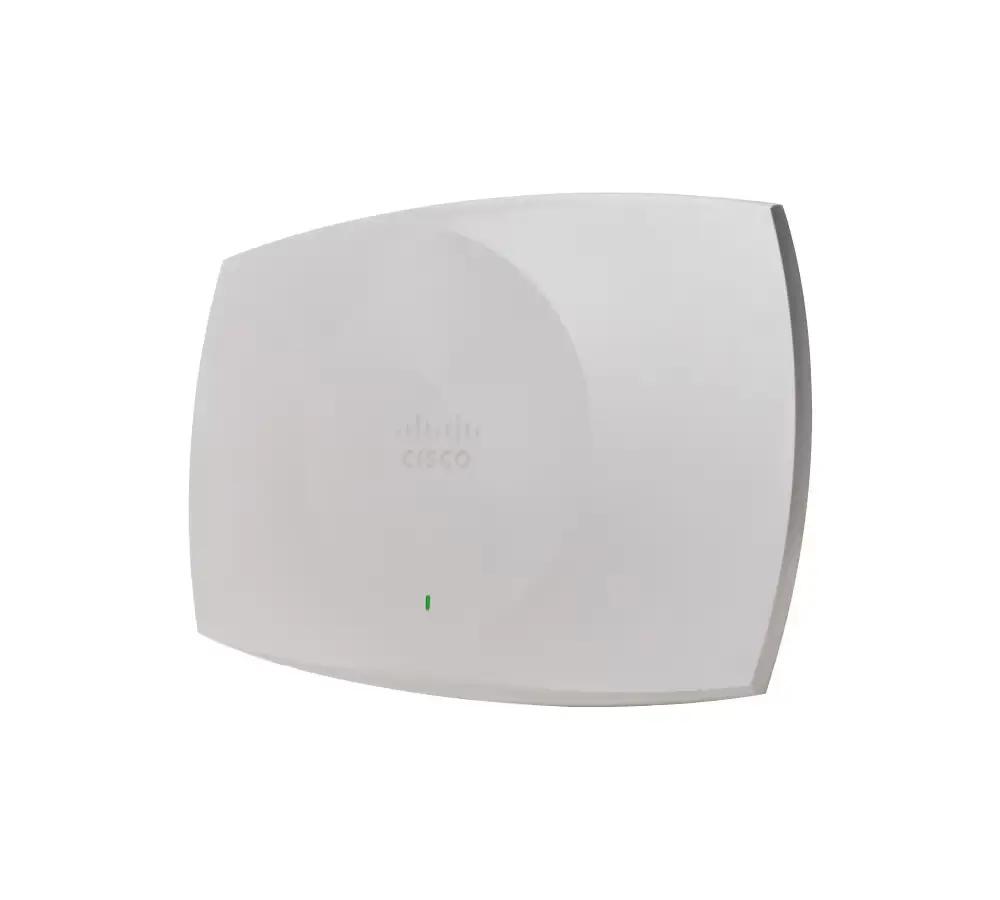
The Cisco Wireless CW9179F is the industry’s first enterprise-grade, Wi-Fi 7 certified high-density access point, made specifically for connecting large public venues.
Click here to jump to more pricing!
Please Note: All Prices are Inclusive of GST
Overview:
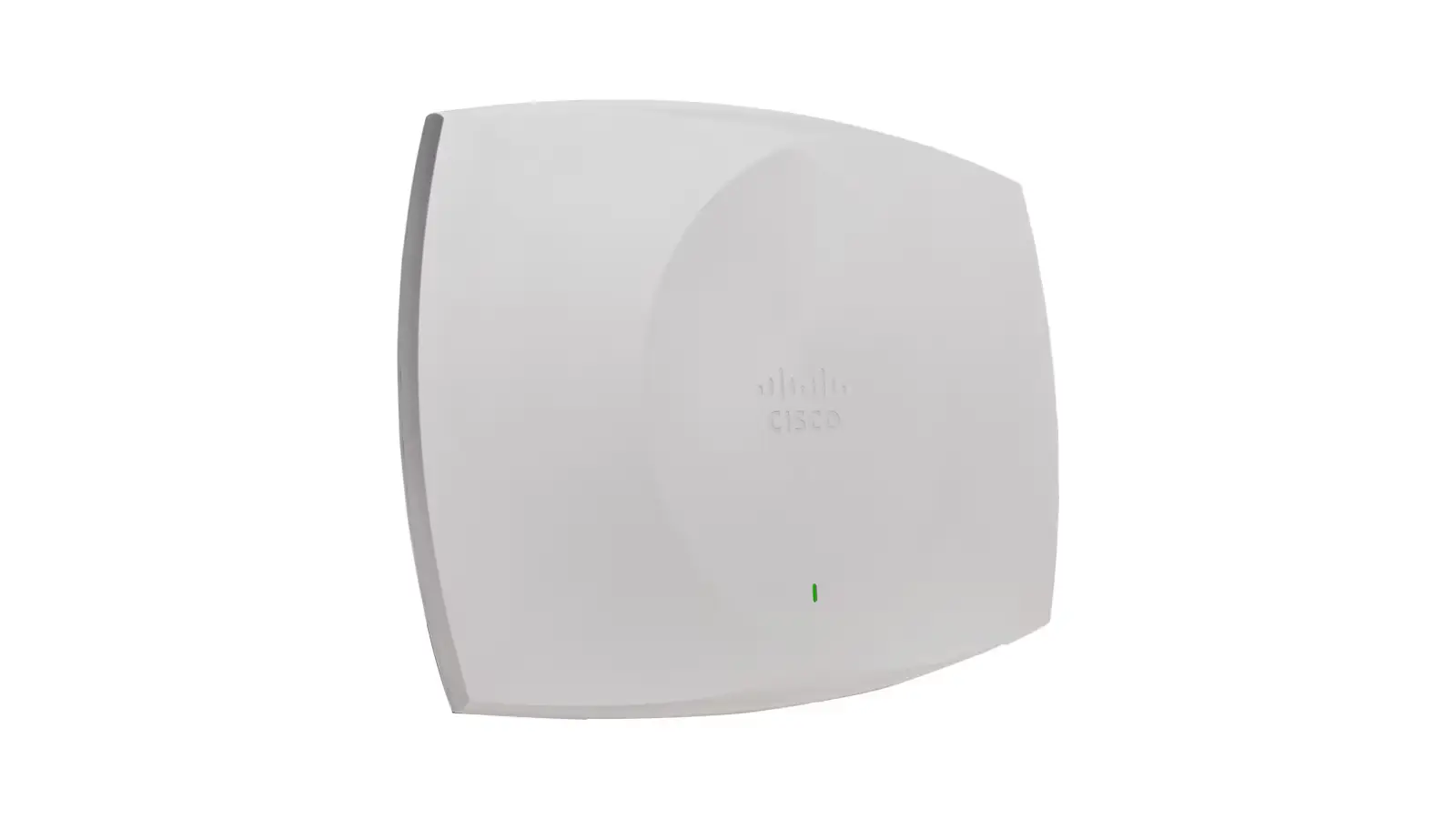
The Cisco Wireless CW9179F is the industry’s first enterprise-grade, Wi-Fi 7 certified high-density access point, made specifically for connecting large public venues. Connect every corner with this convertible indoor-outdoor unit, suitable for stadiums, arenas, festivals, airports, and anywhere where your audience needs reliable and high-performing connectivity. The CW9179F packs a lot of flexibility in an all-in-one integrated unit with software configurable beam patterns and coverage where you need it.
Features:
Platform highlights
The industry’s first enterprise grade Wi-Fi 7 large public venue access point is designed to connect every corner, with the high-density wireless coverage your users demand and flexibility in deployment, management, and licensing.
Wi-Fi 7 for large public venues
Supporting Wi-Fi 7 (802.11be), the CW9179F is designed for incredible performance in the most challenging environments.
Convertible, indoor/outdoor model with 6GHz support outdoors
With our patented environment pack, convert the CW9179F to be indoor or outdoor depending on your design and deployment needs, with the added benefit of 6 GHz spectrum in your large public venue.
Configurable antennas for specific coverage
With software-configurable antenna configurations for boresight, wide, and front & back beam coverage, and additional external antennas, get signal where you want it.
Dual 10G Multigigabit Ethernet
Dual Multigigabit Ethernet provides power-redundant and link-redundant uplink ports, each with speeds up to 10 Gbps. Link and power redundancy provides hitless performance during failover.
Note: Cat 6/Cat 6A cabling is required for 10 Gbps port speeds. Cat 5e cable can support speeds up to 5 Gbps.
Built-in GNSS/GPS
A built-in GNSS/GPS receiver supports AFC, with the global use AP intelligently selecting regulatory domain and location.
AP power optimizations (AP Power Save mode)
AP power optimizations (AP Power Save mode) allow the access point to reduce its power consumption (for example, by shutting off radios during off-hours and weekends) while still being smart enough to re-engage all features should they be needed. This both saves power and reduces the carbon footprint of running a wireless network.
Accelerometer
A built-in accelerometer allows continuous, post-deployment verification of how the AP is installed.
Application hosting
Application hosting helps simplify IoT deployments and ready them for the future by eliminating the need to install and manage overlay networks. Adding Cisco Catalyst Center provides workflows and deployment-wide application lifecycle management.
Container support for applications
Container support enables edge computing capabilities for IoT applications on the host access point.
How It Works:
Unified hardware
Unified hardware eliminates the need for regulatory domains and enables either on-premises or cloud management with one license type.
Intelligent identification
Access point identifies your network management type during onboarding, saving you time and effort.
Flexible management
Convert your deployment and management type as your network scales or your strategy changes without purchasing new hardware or licensing.
Flexible management
Convert your deployment and management type as your network scales or your strategy changes without purchasing new hardware or licensing.
Specifications:
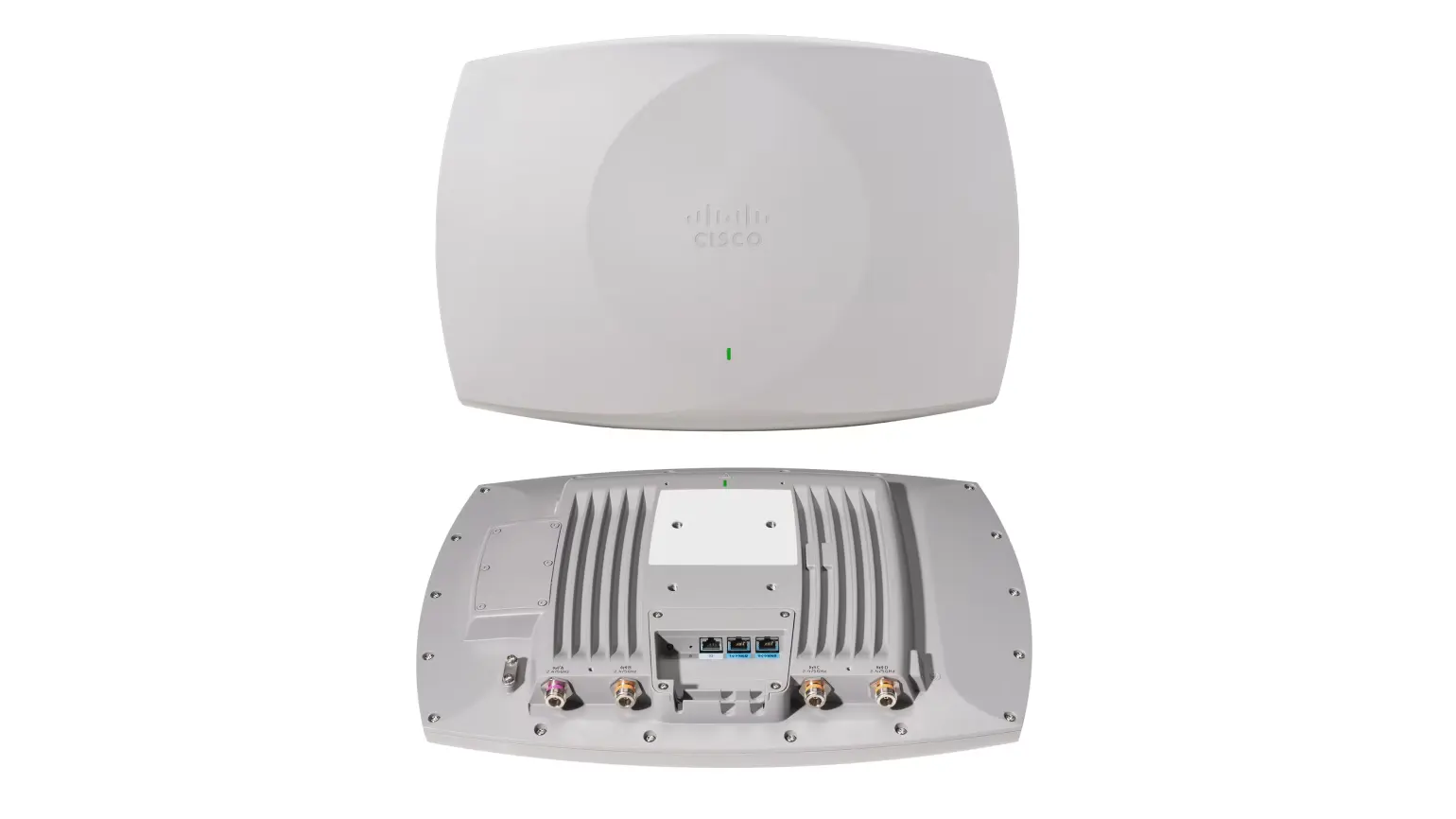
Table 1. Physical specifications
| Label | Description |
|---|---|
| 1 Front and back LED indicator | LED Indicators, visible from either side of the access point, allow for easier installation and testing |
| 2 Console port | Management console port (RJ-45) with default speed of 115200 bps |
| 3 Dual 10 Gbps Ethernet ports | 2x 100M/1000M/2.5G/5G/10G Multigigabit Ethernet (RJ-45) |
| 4 External antenna connectors | Four color-coded antenna connectors for external antennas |
Table 2. Product specifications
| Item | Specification |
|---|---|
| Part numbers | CW9179F |
| Software | Cisco IOS® XE Software Release 17.18.1 or later |
| Supported wireless LAN controllers | Catalyst 9800 Series Wireless Controllers (physical or virtual) Cisco Catalyst 9000 switches with Embedded Wireless Controller in SDA mode |
| Interfaces | 2x 100M/1000M/2.5G/5G/10G Multigigabit Ethernet (RJ-45) Management console port (RJ-45) with default speed of 115200 bps |
| LED Indicators | Front and back status LED indicates boot loader status, association status, operating status, boot loader warnings, and boot loader errors |
| Dimensions (W x L x H) | Access point (without mounting brackets): 18.7Wx 13.0Lx 2.9H in. (475mm x 330mm x 73mm) |
| Weight | AP Weight: 10.0 lb (4.54 kg) Bracket Weight: 3.8 lbs (1.72 kg) |
| Certifications | Wi-Fi Alliance: Wi-Fi 7 (R1), Wi-Fi 6 (R2), Wi-Fi 6E, WPA3-R3, WPA3-Suite B, Enhanced Open Security Bluetooth SIG: Bluetooth Low Energy |
Documentation:
Download the CW9179F (.PDF)
Pricing Notes:
- All Prices are Inclusive of GST
- Pricing and product availability subject to change without notice.
Custom Configurations
Looking for more configuration options or custom setups? Our team can help you find the right solution based on your requirements.
Contact UsBulk Purchase Support
Need multiple devices for your business or project? Contact us to discuss bulk pricing, availability, and delivery options.
Contact Us